WIZLAB
AI-powered tool for language teachers to create personalized learning materials.
I joined WizLab as a founding product designer at an early-stage edtech startup. Before I joined, the team had explored a few directions, including a game-based learning platform. By the time I came on, they had narrowed and pivoted their focus to a interesting question: How do teachers personalize their materials to better fit their individual student's needs?
Role
Founding Product Designer
Duration
4 months
Team
2 co-founders, 1 other designer, engineer
PROBLEM SPACE
Through early research, the founders had identified that teachers are constantly juggling three major responsibilities: classroom management, lesson planning, and student support.
But as we dug deeper, we realized that time wasn’t necessarily the real bottleneck.
The real challenge was variability.
So what does variability mean in this context? Students have vastly different needs - different learning levels, different learning disabilities, for example, dyslexia, and these disabilities, learning levels or styles means different accommodations.
How can we help teachers create these personalized and differentiated learning materials?
THE FIRST IDEA
Targeting physical worksheets & activities.
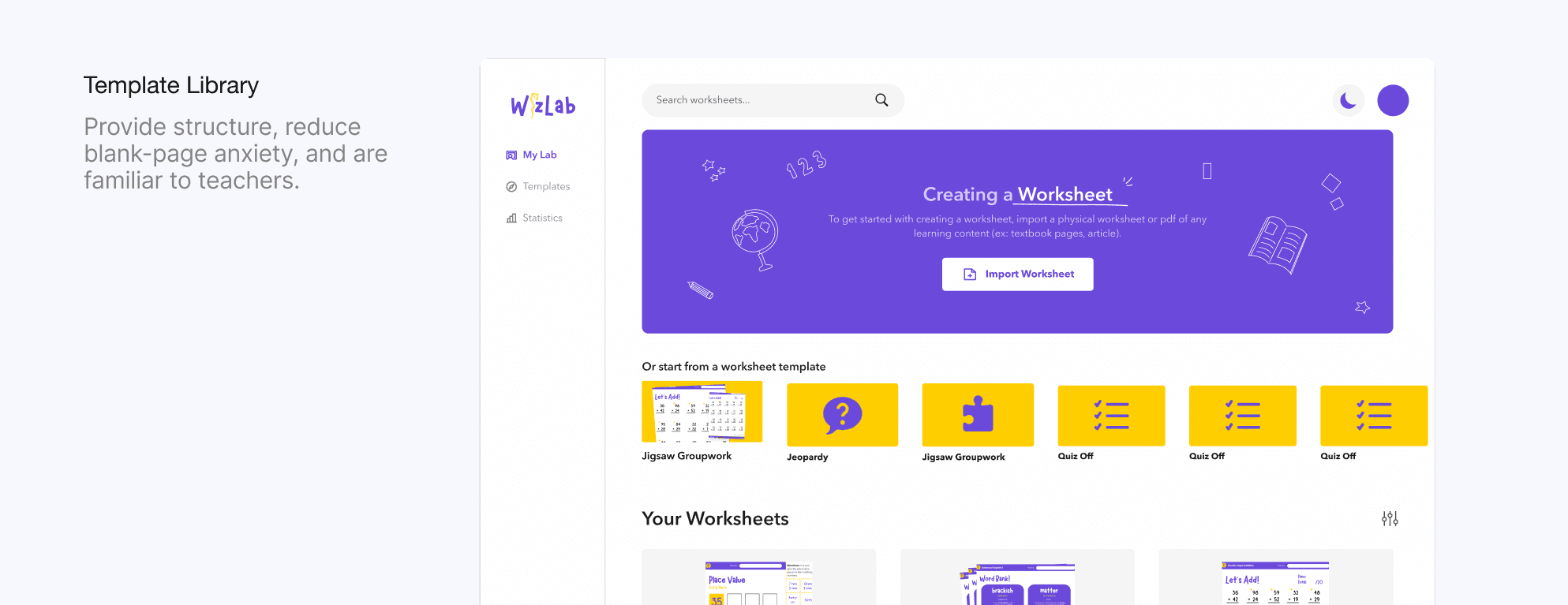
Our initial approach was to build a template library. The reason why we started with this idea was because we heard from many of our teachers that a huge chunk of differentiation comes down to giving different students different materials, and finding the right worksheets to match each student's learning goals takes up more time than it should.
Teachers could choose from pre-made worksheets that were built for specific types of learners and adapt them to their needs. A worksheet template provides structure, reduce blank-page anxiety, and are familiar to teachers to personalize as they want.
But as we started building, we hit a wall.
To build a template library teachers could actually trust, we would have needed:
Deep subject-matter expertise across language, reading, grammar, and assessment
Capacity to continuously refine those templates with teachers across different classroom contexts
As a small, early-stage startup, we had neither.
The deeper issue was that templates scale outputs, not decision-making.
By giving teachers worksheets to start with, we realized that we actually were boxing them into a certain process. Personalization is hard because it's fundamentally a series of judgment calls.
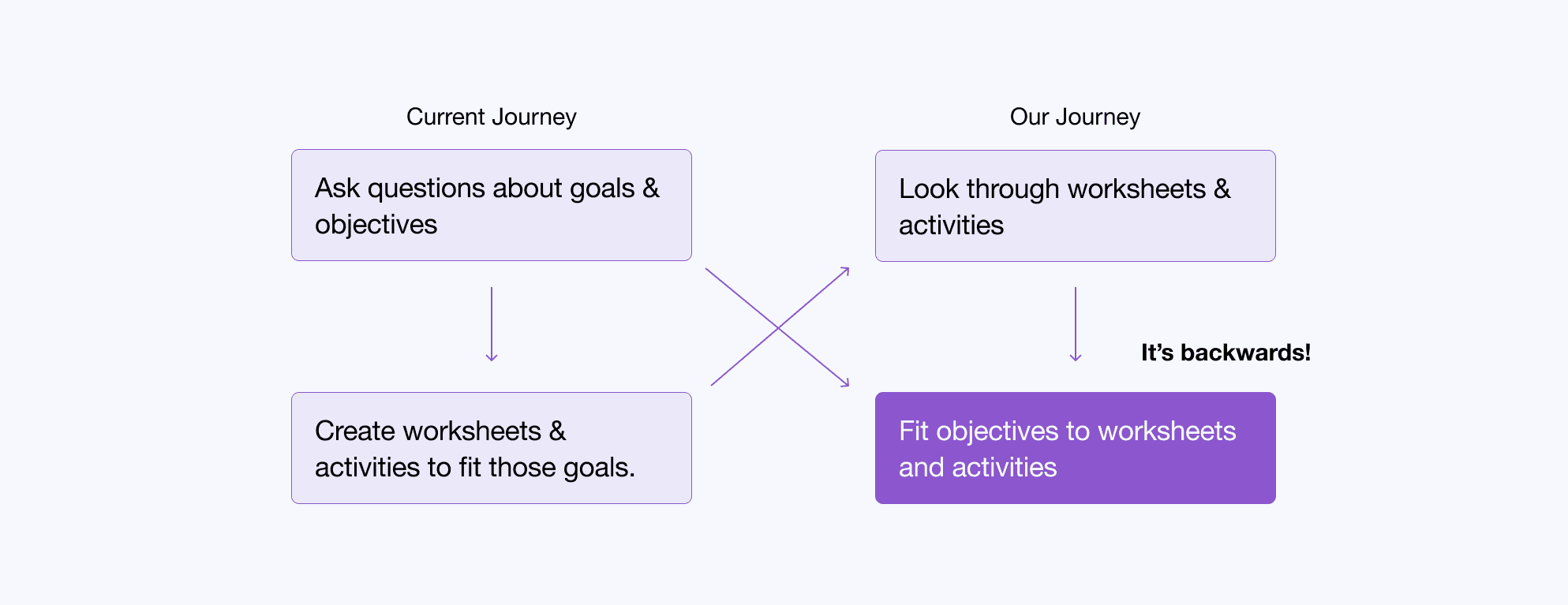
So the question became: How might we design a system that supports teachers’ judgment?
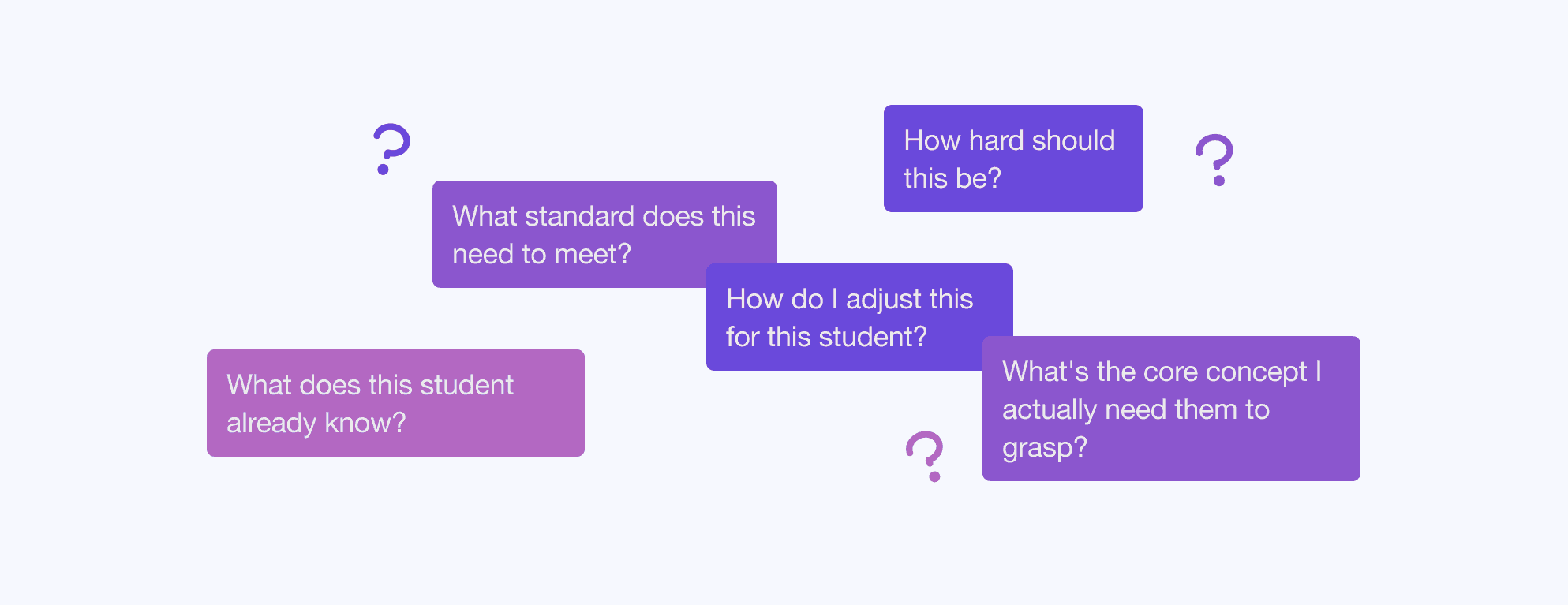
Decision making & judgement is flexible and ever-changing. So, the system and experience must be adaptive.
So… AI?
But then, the question became, will teachers be able and willing to use AI to improve their workflow?
RESEARCH
3 Teachers, task based observational study
Asked them to complete certain tasks to observe how they used AI to complete tasks in their teaching workflow.
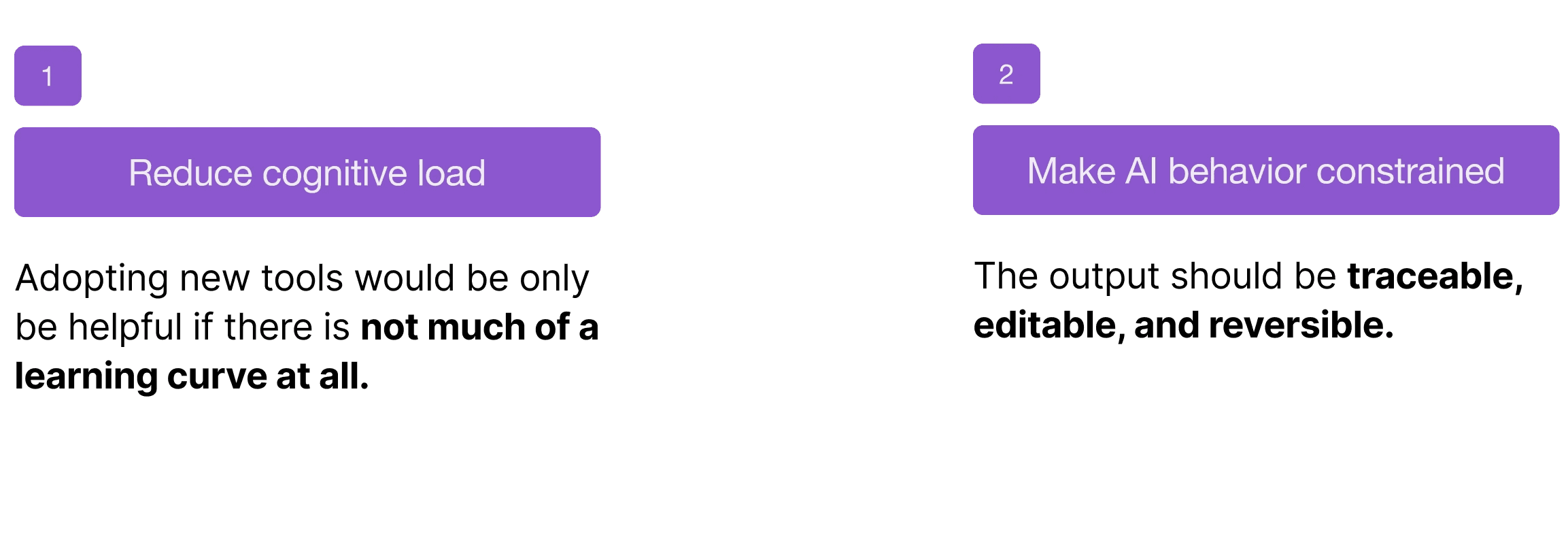
We found:
DESIGN DECISION #1
As we designed, a big question was how can we create differentiation effectively?
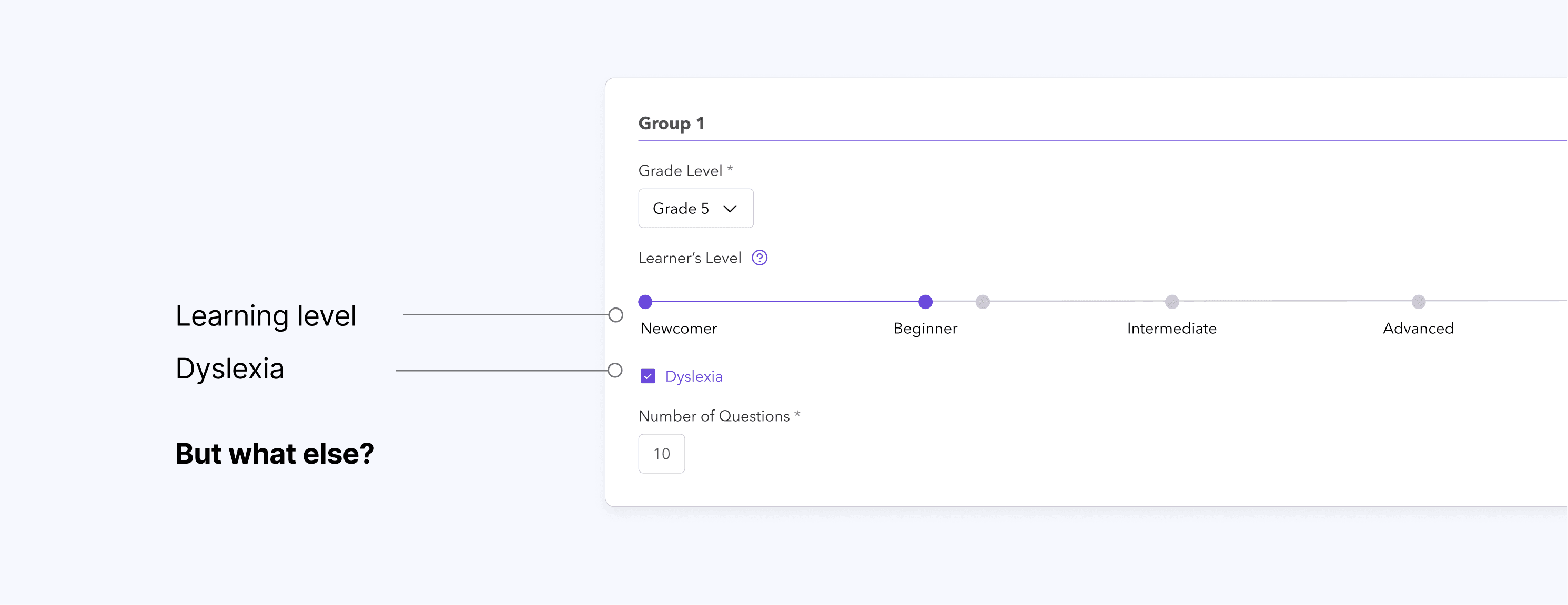
We initially designed out the interface to be just a hypothesis of what we assumed teachers wanted personalization for -- maybe teachers wanted adjustments in learning level and dyslexia accommodations. But we really weren’t sure about these criteria. So we went back to teachers and asked:
What differences in students learnings do you see in the classroom and how would you want to differentiate?
And that's when I heard a lot more about education standards.
Educators follow these systems around specific, research-backed frameworks that guide what students should know and be able to do at each grade level. Established frameworks like Common Core, reading levels, and state-specific standards.
We needed to build around the systems teachers already use.
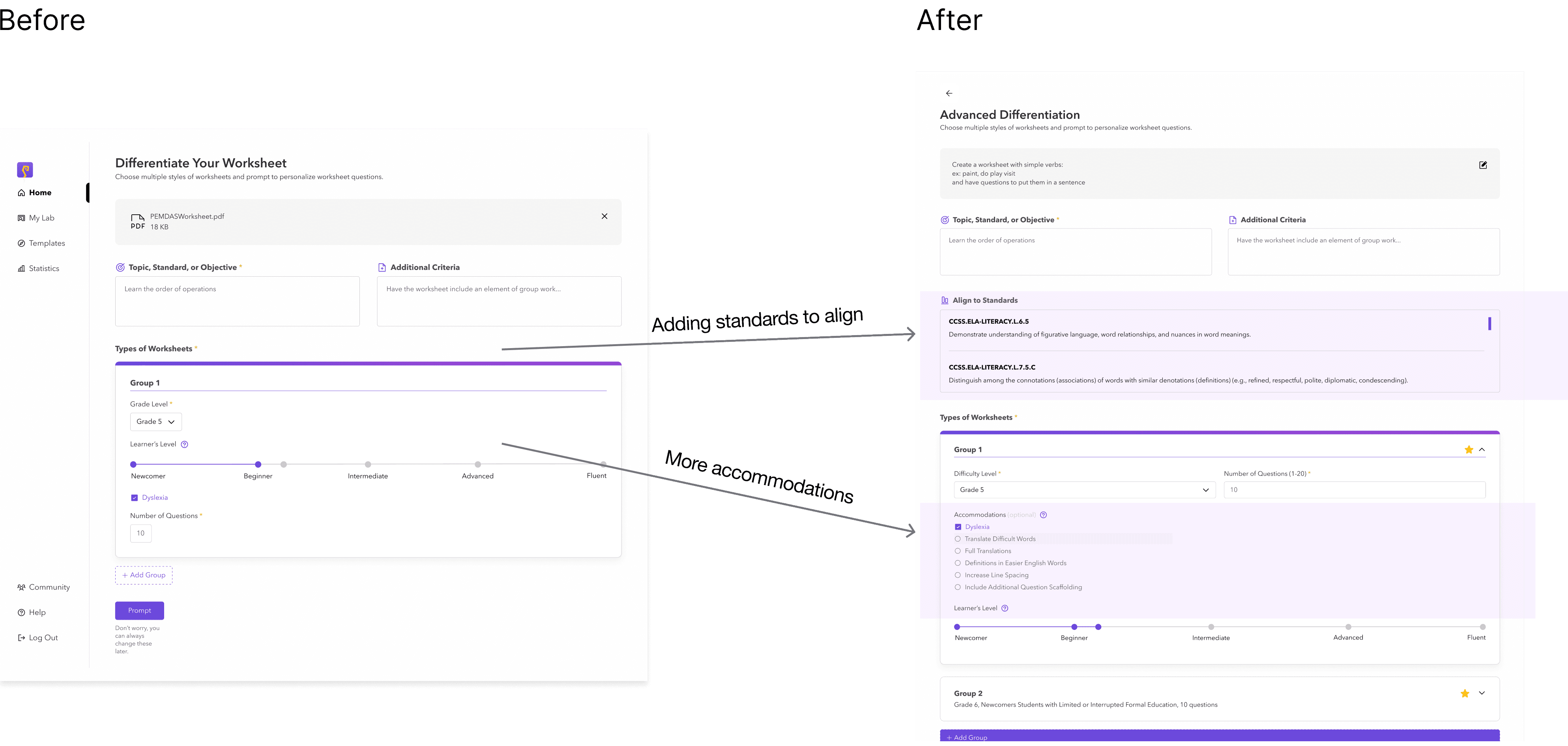
Going back to do more testing, our main feedback was that this can become an overwhelming amount of information for them to look at. And sections like the top area often felt redundant and the least important to answer.
DESIGN DECISION #2
Another key design decision was the AI experience in and of itself.
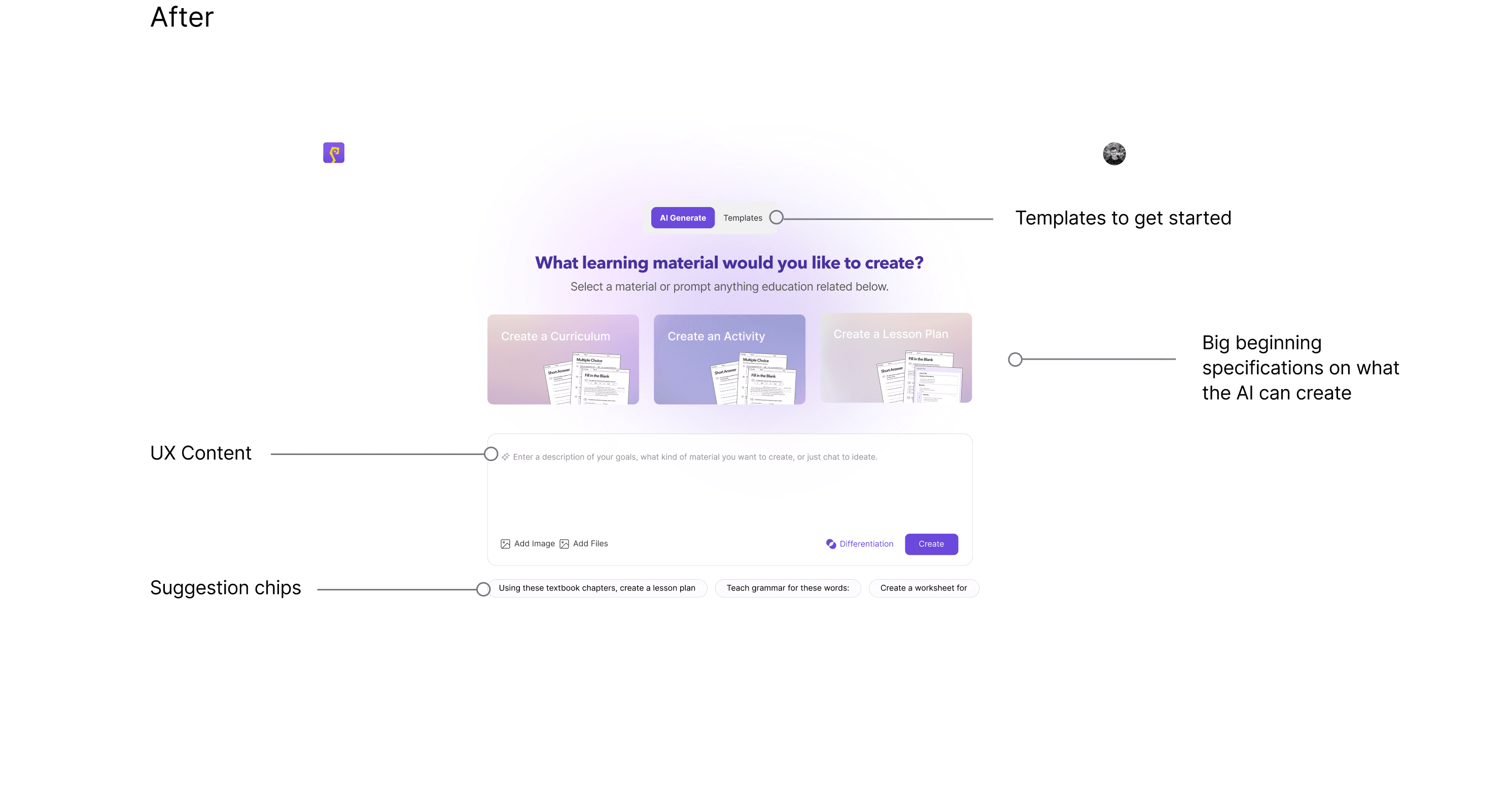
A big blocker for those who were not technologically experienced was just getting started with the LLM prompting.
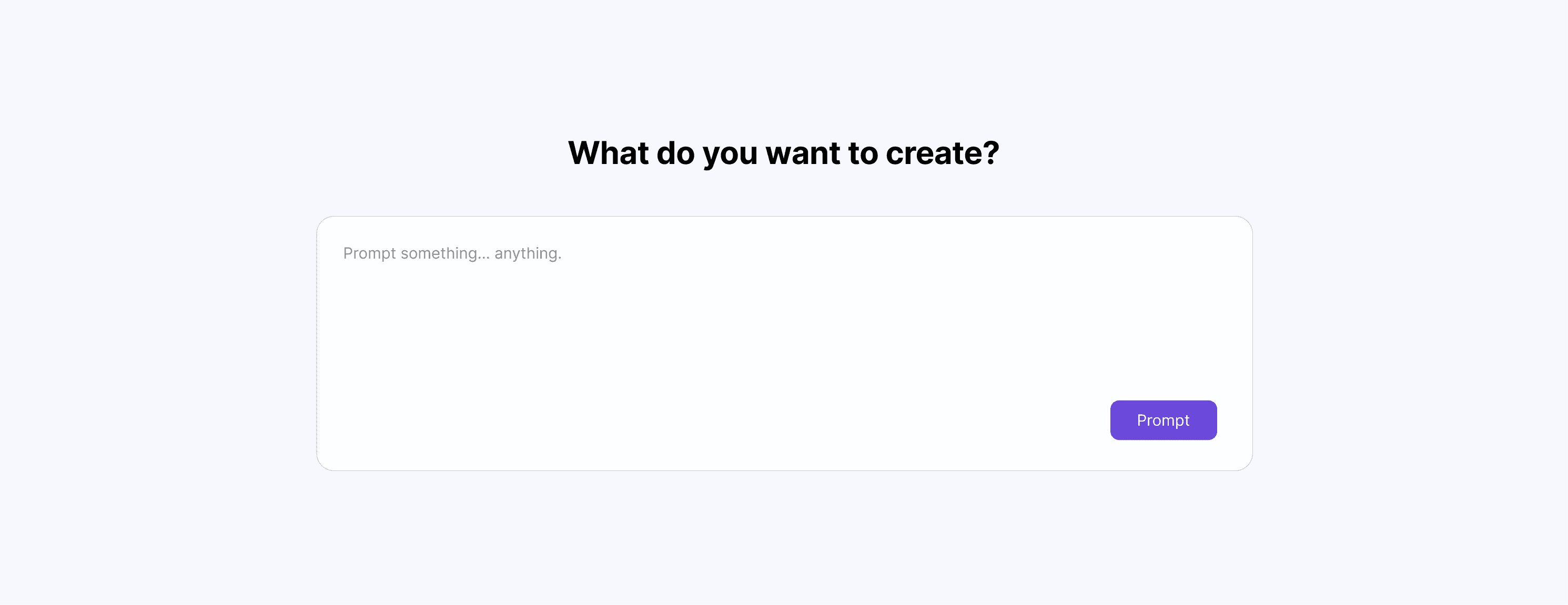
Teachers didn’t know what to ask, how specific to be, or whether they were using it ‘correctly.’ The blank prompt box created hesitation instead of empowerment.
FINAL DESIGNS
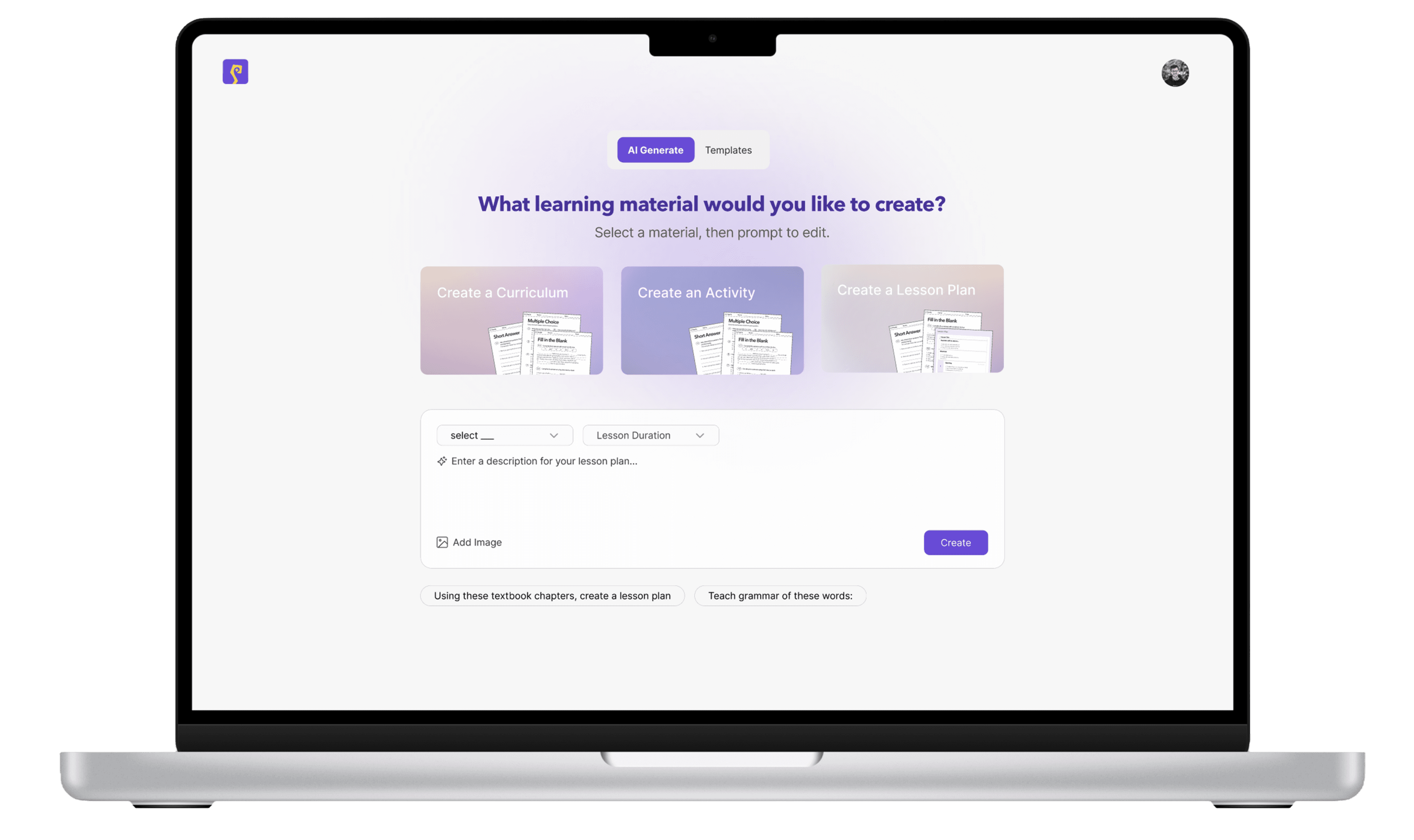
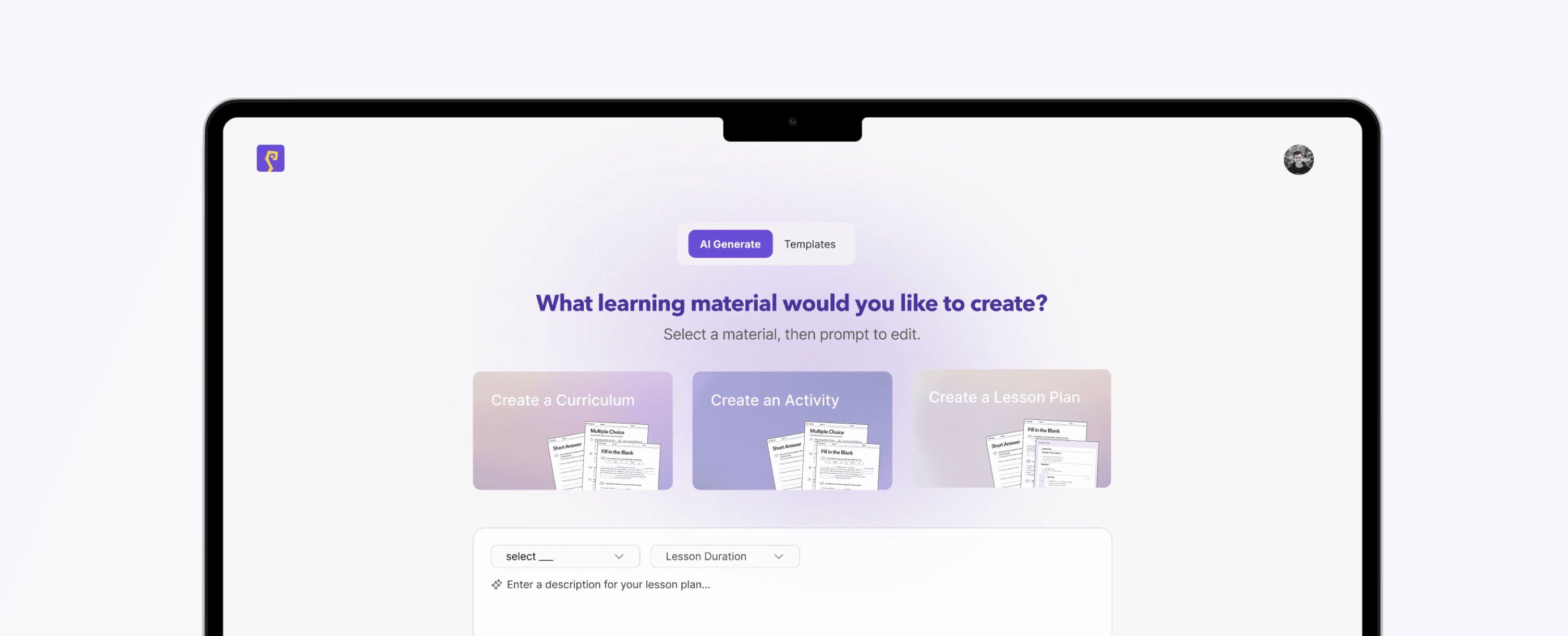
Choose from a template, select a type of material, or type to generate
Teachers can begin prompting with anything or choose from templates, They can also select a type of material, so for example lesson plans or worksheets to ground their experience.

Select a standard, save accommodation groups
The differentiation button on the landing chat page takes them to this advanced differentiation page if teachers want to focus in on differentiating materials. Here, their saved Groups with specific accommodations are already autofilled, and the teacher can edit if needed.

Edit and compare across groups
Then once they hit prompt, an edit view helps them manually make edits to the page or continue to prompt if needed. They can look through other groups and edit those as well, and they can see a final preview of the pages together.
IMPACT
20k in grants and pitch funding, piloting and testing with 20 institutions.
MY TAKEAWAYS
I relied heavily on the user interviews, but I wish I had done more secondary research upfront - particularly around education standards and differentiation criteria.
This project taught me that designing AI products isn’t about maximizing capability, it’s about shaping behavior. It's really important to decide where AI should be flexible, where it should be constrained, and how much responsibility to place on the user at each step.